YouTube and YouTube Music,
without the ads.
Etarunnel is a desktop client that intercepts network requests to block video and banner ads, with support for dual service switching.
Download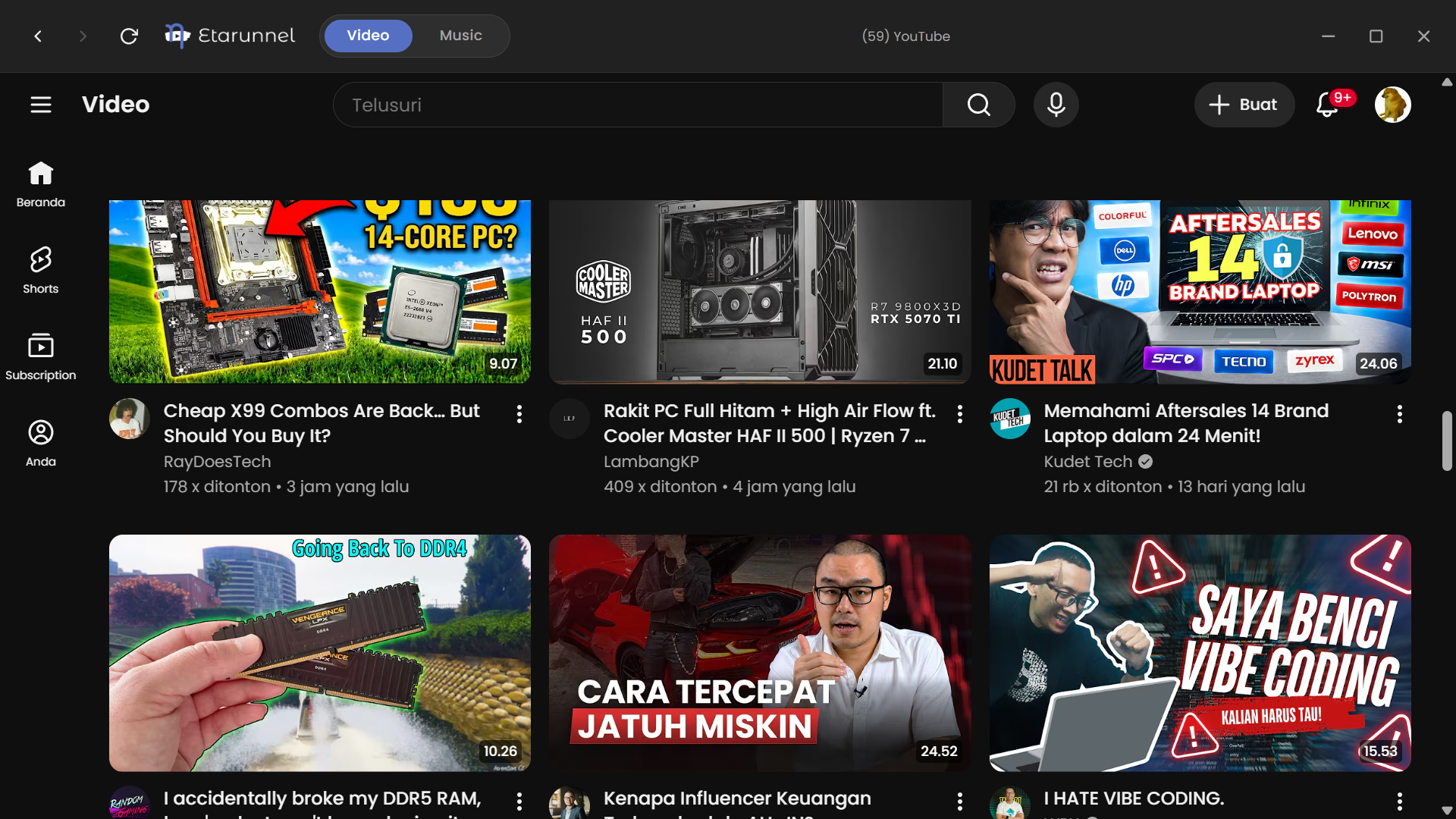
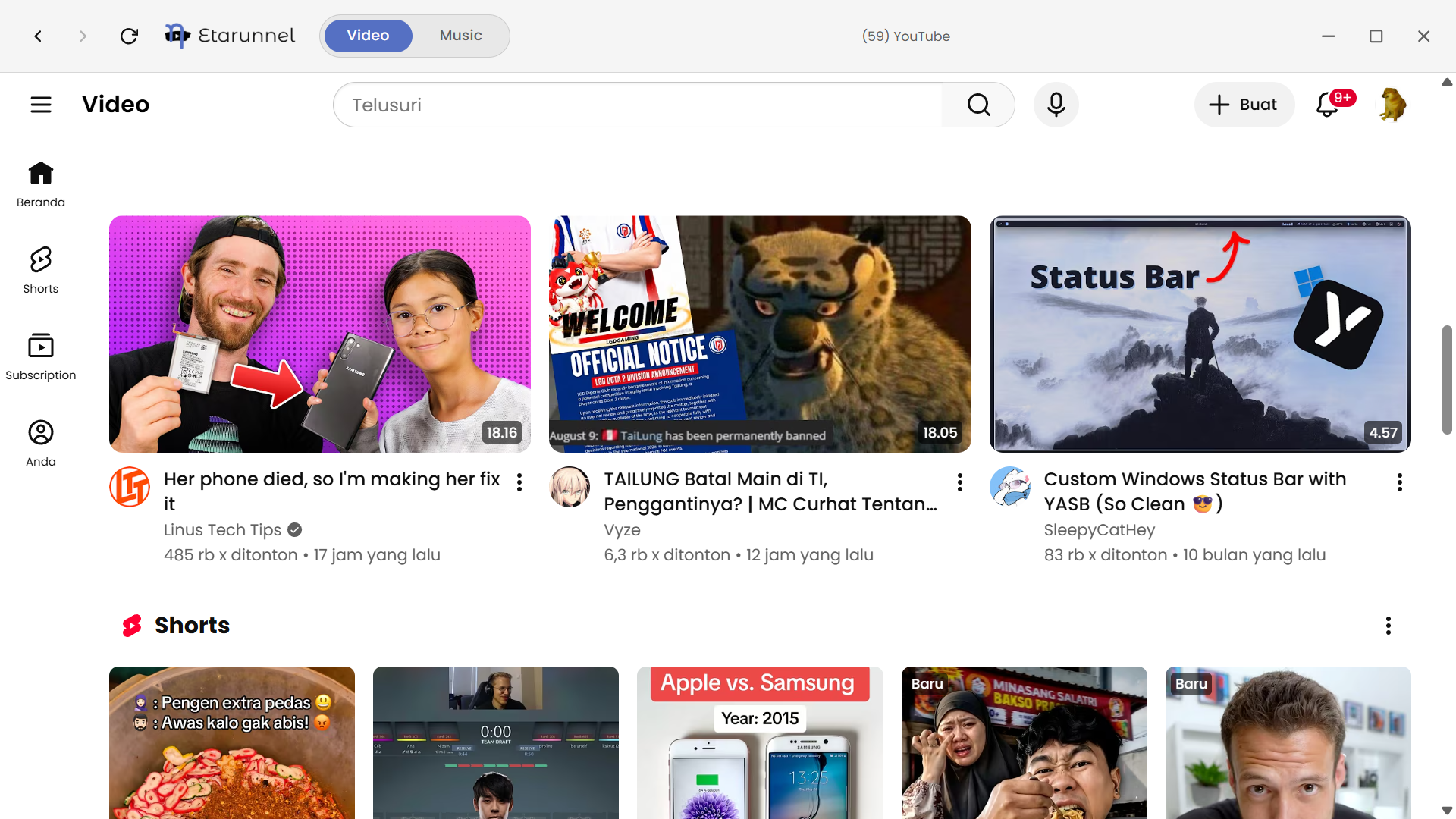
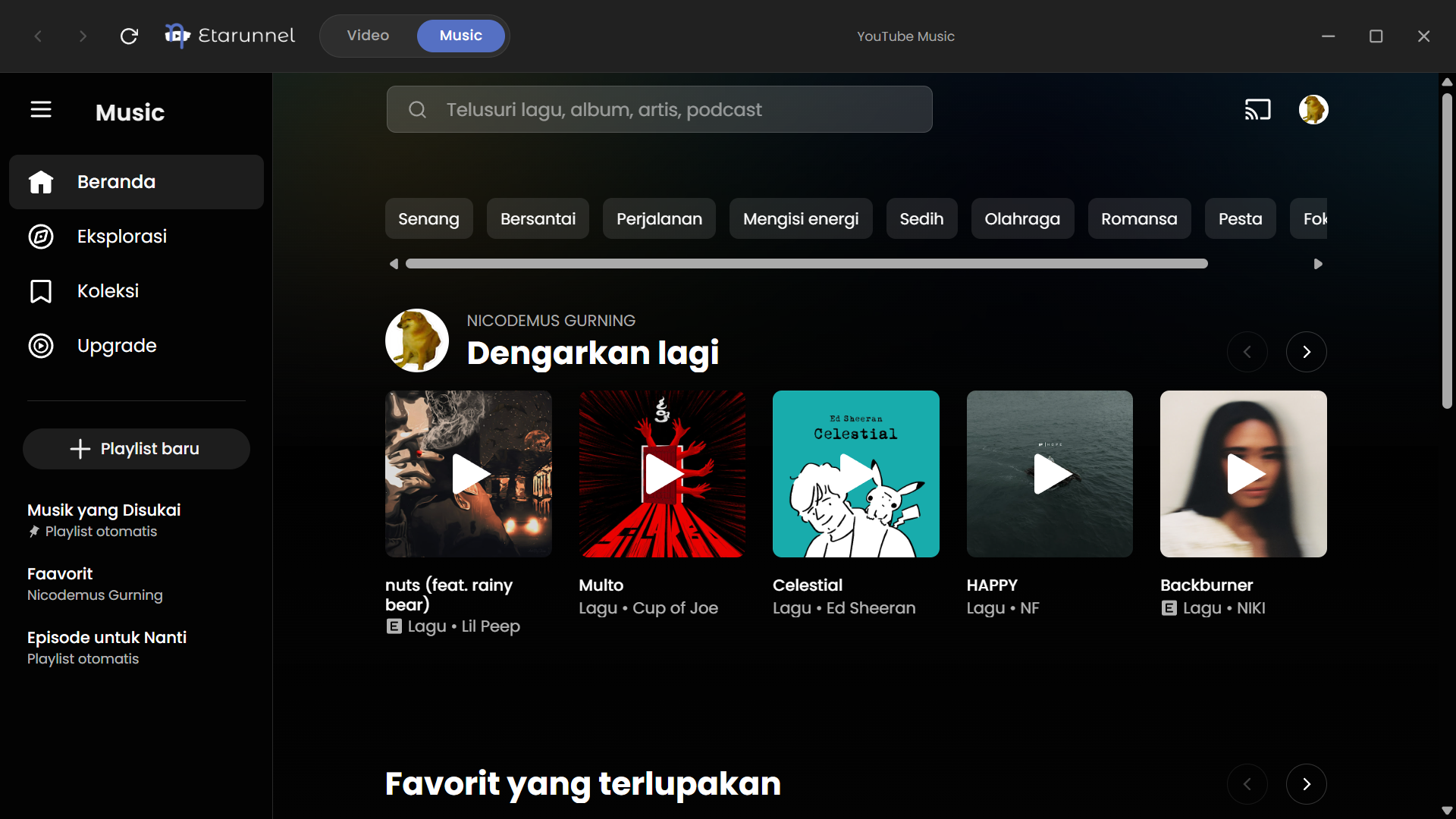

Etarunnel is a desktop client that intercepts network requests to block video and banner ads, with support for dual service switching.
Download
If Windows Smart App Control prevents the app from opening even after bypassing SmartScreen, you can disable it. Only do this if it actively interferes with your user experience.
Win + X and select Terminal (Admin) or Windows PowerShell (Admin).Set-ItemProperty -Path "HKLM:\SYSTEM\CurrentControlSet\Control\CI\Policy" -Name "VerifiedAndReputablePolicyState" -Value 0
-Value 1).Yes. Etarunnel doesn't run any tracking or any privacy violating stuff. The Windows SmartScreen warning is a standard false positive for independent, unsigned installers.